
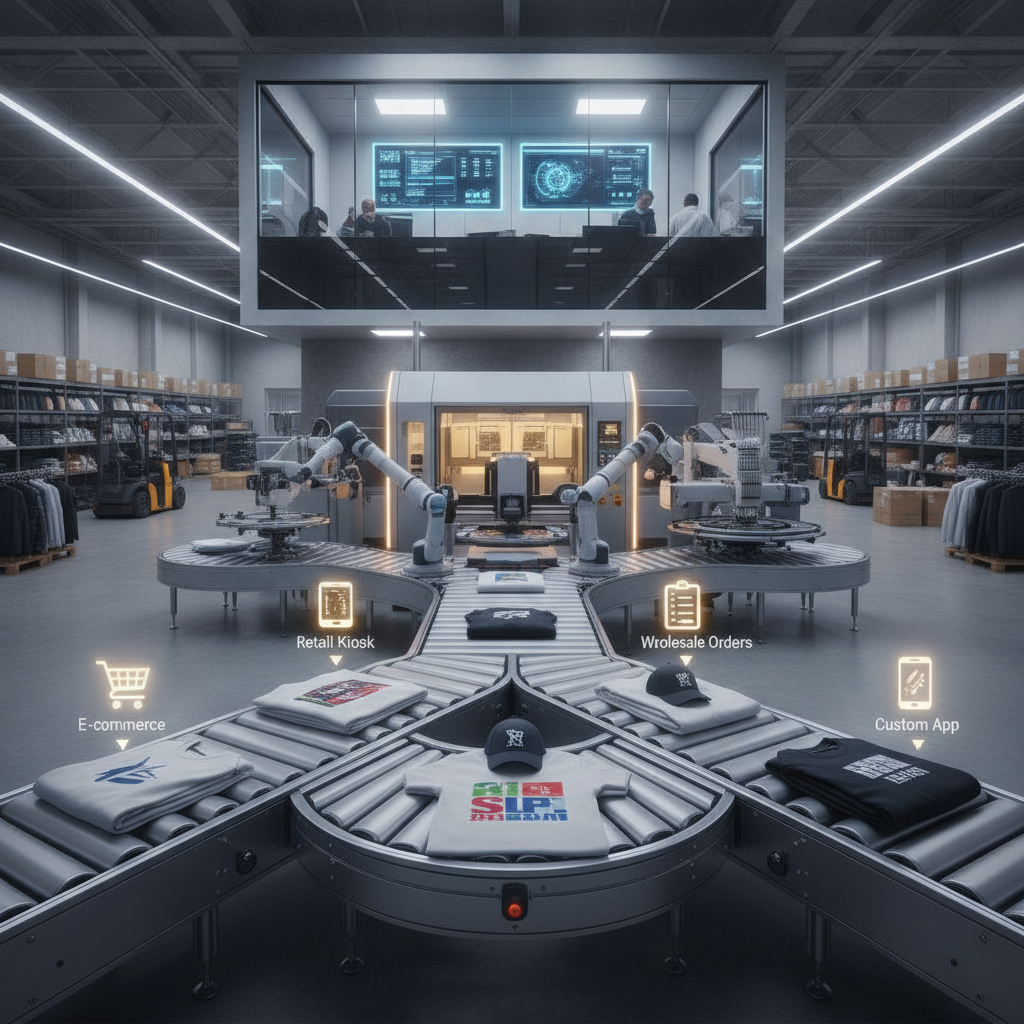
If you sell on more than one marketplace, you already know the daily tax of channel-hopping: log into one dashboard, copy an order, check another tab for the next one, paste a tracking number back into a third. Every minute spent shuffling between sales channels is a minute not spent printing, packing, or growing. The fix is to stop treating each channel as its own island and route everything into a single production queue — then let tracking flow back to each marketplace without you touching it.
This walkthrough covers how that unification works in practice, what to watch for, and how to keep your shop accurate as order volume climbs.
Why scattered orders quietly cost you
When orders live in separate marketplace dashboards, a few predictable problems show up. Production priority becomes guesswork because no single screen shows what's oldest or most urgent across channels. Tracking confirmation gets delayed because someone has to manually paste numbers back into each platform — and a late tracking upload can hurt your seller metrics on strict marketplaces. Inventory drifts out of sync because a blank used for an Etsy order isn't reflected against your eBay or Shopify stock.
The deeper issue is that none of these are creative problems. They're routing problems. And routing problems are exactly what a unified system is built to solve.
Step 1: Connect every sales channel to one pipeline
The foundation of a unified queue is a single point of integration. Instead of working channel by channel, you connect each storefront and marketplace to one platform that ingests orders centrally. Pythias Technologies connects directly to 18+ marketplaces — including Amazon, Walmart, Target Plus, eBay, Etsy, TikTok Shop, Shopify, Wix, WooCommerce, Squarespace, and Faire — plus 200+ more channels through Mirakl and Acenda.
Once channels are connected, new orders flow in automatically. There's no copy-paste step and no separate login routine. You can see the full picture of how this connection layer works on the integrations page, and the broader order intake logic on the order management software overview.
Step 2: Merge everything into a single production queue
With orders arriving centrally, the next move is to drop them all into one queue your team actually works from. This is where the real time savings live: production staff see one prioritized list instead of five marketplace tabs.
A practical wrinkle for apparel and print shops is that different products need different machines. A DTF transfer, a DTG print, an embroidered cap, and a sublimated mug don't move through the same workflow. Pythias handles this with dedicated production queues for DTF, DTG, embroidery, and sublimation, each with its own routing rules and print-ready file handling. Orders from every connected channel flow into the unified system, then get sorted to the right queue based on the rules you set.
That separation matters because it lets you batch work by decoration method without losing the single-source-of-truth view across channels. If you run a print operation in-house, the Fulfillment Cloud side of the platform is built for exactly this kind of production routing, and shops focused on screen and direct decoration can read more on the software for screen printing shops page.
Set routing rules once, then let them run
The point of routing rules is that you define them deliberately and they apply consistently. A DTG order goes to the DTG queue with its print-ready file already prepared; an embroidery order routes to the embroidery queue with its own handling. Once the rules are in place, the sorting happens automatically as each new order lands — no manual triage per order.
Step 3: Generate labels and fulfill
A unified queue is only half the story if you still bounce out to a separate tool to buy postage. Keeping label generation inside the same system keeps the chain unbroken. Pythias generates carrier shipping labels for USPS, FedEx, and UPS directly, so the order, the production step, and the shipment all live in one place.
This also keeps inventory honest. Pythias tracks real-time inventory by blank, color, and size, with low-stock and reorder alerts — so as orders consume stock across all your channels, your counts reflect reality and you get a heads-up before you run out. For a deeper look at how stock stays synced across channels, see the inventory management software overview.
Step 4: Confirm tracking back to every marketplace automatically
This is the step that most often gets dropped when shops manage channels separately — and the one that matters most for seller standing. Once a label is generated and the order ships, the tracking number needs to land back on the originating marketplace, fast.
With a unified pipeline, this closes the loop without manual entry. In Pythias, tracking is confirmed back to each marketplace automatically. The order came in from a channel, moved through the right production queue, got a carrier label, and the tracking returns to that same channel on its own. No spreadsheet, no late uploads, no missed confirmations.
Two ways to run the pipeline
Unifying orders doesn't require running every production step yourself. Pythias offers two paths. With Fulfillment Cloud, you run your own production — plans start at $199/month and scale up from there. With Commerce Cloud, orders auto-route to vetted fulfillment partners, each scored by geography (closest to the customer), price (lowest wholesale), and reliability (historical on-time rate).
Either way, the unification principle holds: one queue, automatic tracking confirmation, real-time inventory. Pythias charges no per-order fees — it's a flat monthly subscription — and you can compare both clouds on the pricing page. Shops that sell across many storefronts at once may also want the multichannel listing software view to round out the workflow.
Getting started
Unifying your orders is mostly a setup exercise: connect channels, define production routing, and confirm your label and tracking flow. Most shops are fully live on Pythias within about two weeks. If you want to see how a single production queue and automatic tracking would map to your specific channels, book a demo or explore the print-on-demand platform in more detail.