
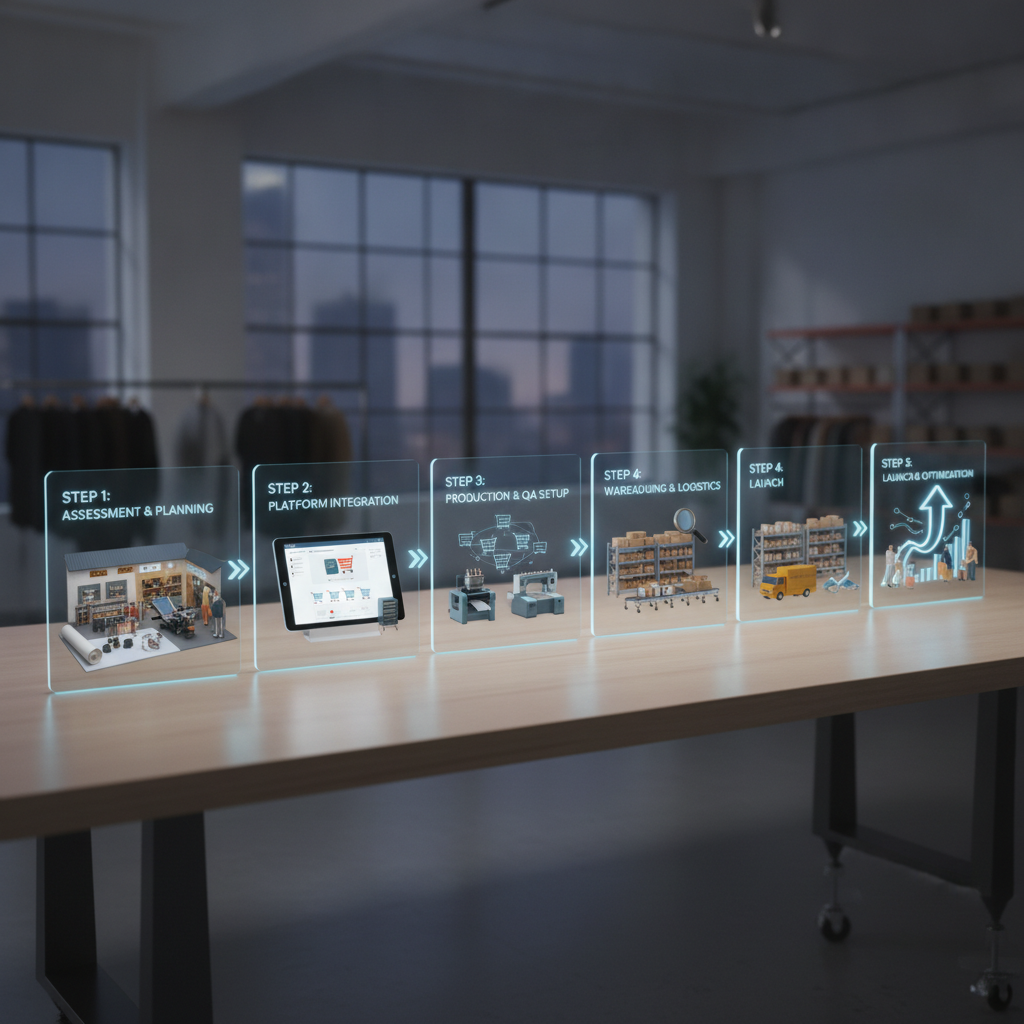
Switching fulfillment platforms feels risky because it touches the parts of your business that can't go down: live orders, production schedules, and the tracking your marketplaces expect. The good news is that a migration done in the right order is predictable. You're not flipping a switch overnight — you're building, testing, and validating each layer before any real customer order depends on it.
Below is a realistic timeline for moving a print shop onto a new platform, broken into phases. Most shops complete a move like this in a couple of weeks. With Pythias Technologies, most shops are fully live within about two weeks, so use these phases as a working blueprint.
Phase 1: Discovery and prep (Days 1–2)
Before you connect anything, document how orders move today. The goal is to avoid surprises later, not to rebuild everything at once.
- List your sales channels. Note every marketplace and storefront you sell on and roughly how many orders each generates.
- Map your production methods. Identify which orders run as DTF, DTG, embroidery, or sublimation, and which decoration method applies to which products.
- Inventory your blanks. Pull a current count of blanks by style, color, and size so you can set accurate stock levels in the new system.
- Collect print-ready assets. Gather artwork files, mockups, and any naming conventions you use for production files.
This phase is mostly homework. Doing it well makes every later step faster.
Phase 2: Connect your sales channels (Days 2–4)
With prep done, start wiring up where your orders come from. Pythias connects directly to 18+ marketplaces — including Amazon, Walmart, Target Plus, eBay, Etsy, TikTok Shop, Shopify, Wix, WooCommerce, Squarespace, and Faire — plus 200+ more channels through Mirakl and Acenda. You can review what's supported on the integrations page.
Connect your highest-volume channels first. Authorizing each channel pulls orders into one place so you can stop checking multiple dashboards. The aim here is connection and visibility, not yet routing real orders to production. Confirm that orders appear correctly, that customer and shipping details map cleanly, and that product data lines up with your catalog.
Why one unified queue matters
The whole point of a migration is consolidation. On Pythias, orders from every connected channel flow into a single unified production queue, and tracking is confirmed back to each marketplace automatically. That removes the manual copy-paste step that causes most fulfillment errors. If you currently manage orders across several tabs, centralizing them is one of the biggest practical wins — see how this works in order management software.
Phase 3: Set up production routing (Days 4–7)
Now configure how orders become jobs on your floor. Pythias has dedicated production queues for DTF, DTG, embroidery, and sublimation, each with its own routing rules and print-ready file handling. Using your method map from Phase 1, set rules so each incoming order lands in the correct queue automatically.
- Define routing rules by product, decoration method, or SKU.
- Upload and validate print-ready files so the right artwork attaches to the right job.
- Run a few test orders through each queue to confirm jobs sort correctly and files render as expected.
If you run a traditional shop, the same logic applies to a high-mix environment — there's a deeper look at software for screen printing shops that covers queue-based workflows.
Phase 4: Load inventory and shipping (Days 7–10)
With routing in place, set up the two systems that keep production honest: stock and labels.
Enter your blank counts and let the platform track real-time inventory by blank, color, and size, with low-stock and reorder alerts so you reorder before you run out mid-job. Accurate inventory at go-live prevents the most common post-migration headache: accepting orders for blanks you've actually run out of. You can dig into how this functions in inventory management software.
Next, configure shipping. Pythias generates carrier shipping labels for USPS, FedEx, and UPS, so confirm your carrier accounts are linked and that label output, package dimensions, and return addresses are correct. Print a few test labels to verify everything formats properly before any live order ships.
Phase 5: End-to-end test and first live order (Days 10–14)
This is the validation phase. Run a complete dry run: a test order from a connected channel should flow into the unified queue, route to the correct production queue, attach the right print file, generate a shipping label, and confirm tracking back to the marketplace.
When the test passes cleanly, go live with a controlled rollout:
- Start with one channel rather than switching all channels at once.
- Watch the first batch of real orders from order receipt through tracking confirmation.
- Add remaining channels once the first is running smoothly.
By keeping the first live window small, you catch any edge cases without exposing your whole order volume to a new process.
Choosing your model before you start
One decision shapes the entire migration: are you running your own production, or routing orders to fulfillment partners? Fulfillment Cloud is for shops running their own production, and Commerce Cloud auto-routes each order to a vetted fulfillment partner scored by geography (closest to the customer), price (lowest wholesale), and reliability (historical on-time rate). Some shops use one, some blend both. Decide this in Phase 1 so your channel and routing setup matches your model. Pricing for both is on the pricing page, and Pythias charges no per-order fees — it's a flat monthly subscription.
Ready to plan your move?
A migration is far less stressful when each layer is built and tested in sequence. If you'd like to see how channel connections, production queues, inventory, and shipping fit together before committing, book a demo and walk through your specific setup. You can also explore consolidating listings across stores with multichannel listing software.