
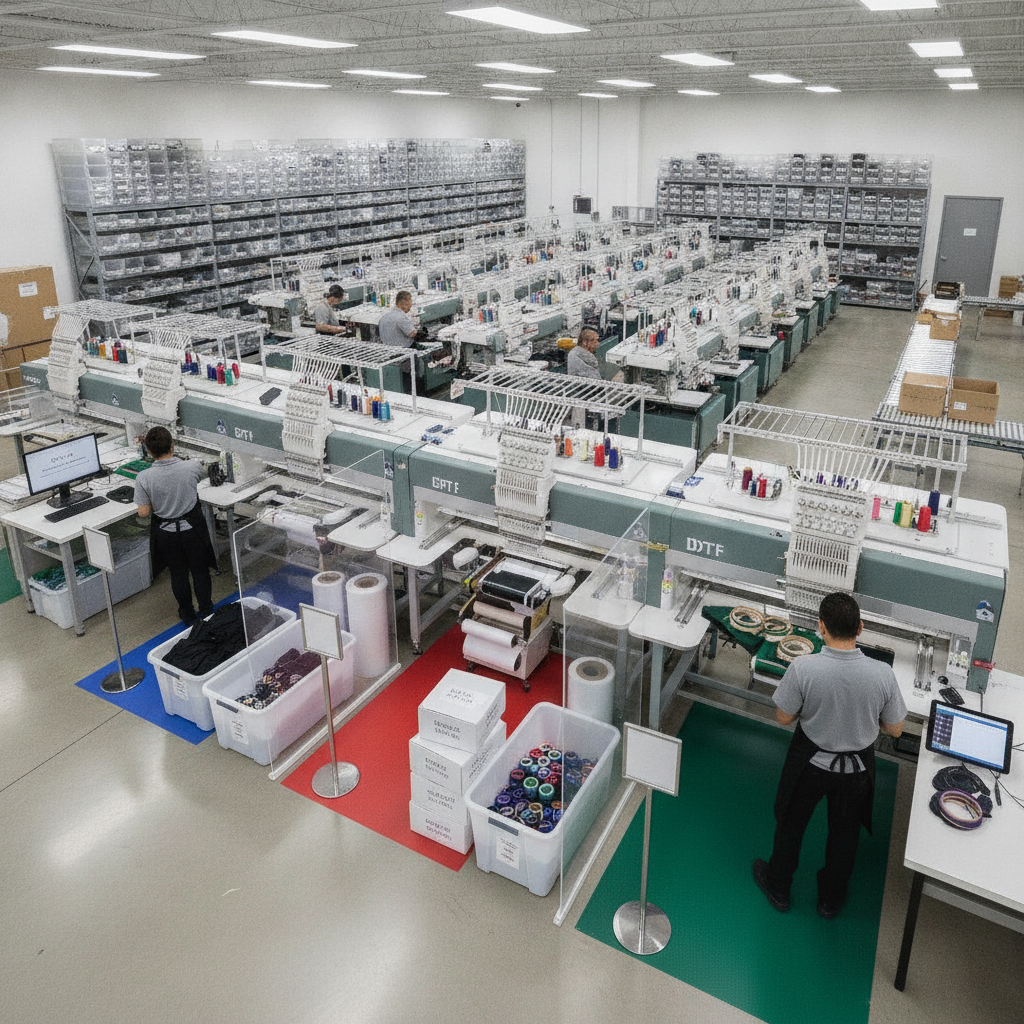
Embroidery is one of the most profitable decoration methods a print shop can offer, but it's also one of the most operationally demanding. Unlike DTG or DTF, embroidery depends on digitized files, hooping, thread color matching, and stitch counts that vary wildly from one design to the next. When embroidery orders get mixed into the same workflow as your other decoration methods, mistakes multiply: wrong thread colors, missing digitized files, and machines sitting idle while operators hunt for instructions.
The fix is structure. By giving embroidery its own dedicated queue with clear routing rules, a clean file-handling process, and real thread inventory tracking, you can turn a chaotic decoration method into a predictable, repeatable production line. Here's how to do it.
Why Embroidery Needs Its Own Queue
Every decoration method has its own equipment, prep steps, and failure points. Trying to manage embroidery alongside DTG, DTF, and sublimation in a single undifferentiated list forces operators to constantly switch context — and context switching is where errors creep in.
A dedicated embroidery queue keeps every order that requires stitching in one place, sorted by the variables that actually matter for an embroidery machine: design, garment, hoop size, and thread requirements. Operators see only what's relevant to the machine in front of them, and you get a clean view of how much embroidery work is in the pipeline at any moment.
Platforms built for this kind of work make the separation native. Pythias Technologies provides dedicated production queues for DTF, DTG, embroidery, and sublimation, each with its own routing rules and print-ready file handling — so embroidery never gets buried in a generic order list.
Setting Up Routing Rules That Sort Work Automatically
Routing rules are the logic that decides which queue an order lands in and in what order it gets worked. For embroidery, the goal is to let the system do the sorting so your team isn't manually triaging every incoming order.
Good routing rules typically consider:
- Decoration method: Any order flagged for embroidery routes straight to the embroidery queue, separate from print-based methods.
- Product type: Caps, polos, jackets, and bags often require different hooping and stabilizers, so grouping by garment reduces setup changes.
- Thread color sets: Batching orders that share a thread palette lets operators run several jobs without re-threading the machine.
- Due date and shipping speed: Rush and expedited orders should surface near the top of the queue automatically.
With order management software that supports method-specific routing, orders from every connected sales channel flow into one unified pipeline and then split into the correct production queue based on these rules. In Pythias, orders from every connected channel flow into a single production queue, and tracking is confirmed back to each marketplace automatically once the job ships — so your selling platforms stay in sync without manual updates.
Handling Digitized Files Without Losing Track
An embroidery order is only as good as its digitized file. The DST or EMB file dictates stitch path, density, and color sequence, and a missing or outdated file stops production cold. The most common embroidery bottleneck isn't the machine — it's chasing down the right file.
A disciplined file-handling process should ensure that:
- Every embroidery order carries its print-ready (digitized) file attached directly to the job, not stored in a separate folder someone has to go find.
- File versions are clear, so an operator never loads an outdated design.
- Color stops in the file map to the actual thread colors specified on the order.
- Approval status is visible, so nothing goes to the machine before the digitized file is signed off.
When the file lives with the order in the queue, the operator opens the job and has everything needed to load the design and start stitching. Pythias attaches print-ready file handling to each method's queue, which keeps the digitized file tied to the embroidery order from the moment it enters the pipeline.
Tracking Thread Inventory Like You Track Blanks
Most shops track garment blanks carefully but treat thread as an afterthought — until they run out of a core color mid-run. Thread is consumable inventory, and it deserves the same visibility as your shirts and hoodies.
Effective thread tracking means knowing what you have on hand by color, getting alerted before a spool runs low, and reordering before a job stalls. The same principle applies to your blanks: tracking inventory by item, color, and size prevents you from accepting an order you can't actually fulfill.
Pythias tracks real-time inventory by blank, color, and size with low-stock and reorder alerts, so you're warned before a shortage interrupts production. Applying that same proactive approach to thread — treating each color as a tracked item with a reorder threshold — closes one of the most common gaps in embroidery operations. You can learn more about how this works in dedicated inventory management software.
Connecting the Queue to the Rest of Fulfillment
A well-run embroidery queue doesn't end when the last stitch lands. The garment still needs to be packed, labeled, and shipped, and the customer needs tracking. Keeping that handoff inside the same system avoids re-keying orders into a separate shipping tool.
Pythias generates carrier shipping labels for USPS, FedEx, and UPS directly, and confirms tracking back to the marketplace the order came from. If you run multiple decoration methods, the same platform manages your DTG, DTF, and sublimation queues alongside embroidery — useful for shops that also handle screen printing and other methods under one roof.
Pythias runs on a flat monthly subscription with no per-order fees. Fulfillment Cloud, for shops running their own production, starts at $199/month, and most shops are fully live within about two weeks. If you'd rather see it applied to your own embroidery workflow, you can book a demo or review the pricing tiers to find the right fit.
Putting It Together
Organized embroidery production comes down to three habits: give embroidery its own queue, let routing rules sort and batch work automatically, and treat both digitized files and thread as tracked, attached-to-the-order assets. Do that consistently and embroidery stops being the method that throws off your shop's rhythm — and becomes one you can scale with confidence.