

Most businesses treat print queue management as a background IT function. Set it up once, forget about it, and let jobs pile up. That assumption costs real money. The role of print queue management extends far beyond ordering who prints next. It directly affects production throughput, device uptime, data security, consumables spend, and regulatory compliance. For print service providers and businesses running high-volume print operations, the gap between a managed queue and an unmanaged one shows up immediately in delayed jobs, wasted supplies, and security gaps that auditors notice.
Table of Contents
- Key takeaways
- The role of print queue management explained
- Operational benefits for production efficiency
- Cost control and sustainability from print queue optimization
- Security and compliance in print queue management
- Advanced technologies in print queue management
- My take on print queue management in real operations
- How Pythiastechnologies supports efficient print queue management
- FAQ
Key takeaways
| Point | Details |
|---|---|
| Queue management drives cost control | Secure print release and policy enforcement reduce wasted consumables and uncollected jobs. |
| Security starts at the queue | Unmanaged queues expose sensitive documents; authentication and automated purges protect data. |
| Automation reduces operational load | AI-driven workflows and virtual queues cut downtime, manual errors, and IT tickets. |
| Integration unlocks full efficiency | Connecting queue management to cloud and document systems creates governed, data-driven print operations. |
| Print job prioritization matters | Routing high-priority jobs intelligently prevents bottlenecks and keeps SLAs on track. |
The role of print queue management explained
A print queue is the ordered list of jobs waiting to be processed by a printer or group of printers. But the management layer on top of that queue is where the real operational work happens.
At the core, three components work together:
- Print server: Receives incoming jobs from users or automated systems and routes them to available devices.
- Print spooler: Holds job data temporarily in memory or on disk so the printer can process at its own pace without blocking the sending application.
- Queue management software: Controls job order, enforces policies, tracks usage, and generates reports.
In a business environment, these components handle dozens or hundreds of concurrent jobs across multiple device types. DTF printers, embroidery machines, wide-format plotters, and standard office printers may all feed into a centralized queue managed by a single platform. Centralized print management converts printing into a data-driven, governed operation with cost savings, security policies, and scalability.
Two terms show up repeatedly in managed print environments and both matter operationally:
Secure print release holds a job in the queue after the user sends it. The job only prints when the user authenticates at the device, typically via PIN, badge, or mobile app. This eliminates uncollected jobs piling up in output trays and stops sensitive documents from sitting exposed.
Virtual queues, also called Find-Me queues, decouple a job from any specific printer. The user sends one job to a global queue and releases it at whatever compatible device is closest or available. This is critical for multi-site operations.
Operational benefits for production efficiency
Managing print queues well removes the bottlenecks that slow production floors and office environments alike. Here is how the gains stack up in practice:
-
Load balancing across devices. When one printer is at capacity, intelligent queue software routes overflow to the next available compatible device automatically. No manual rerouting, no jobs stacking up on a single machine while others sit idle.
-
Reduced downtime. Automated print queue management reduces administrative burden, print waste, and maintenance costs while improving uptime. When the queue actively monitors device status, jobs reroute before downtime affects throughput.
-
Faster turnaround on priority jobs. Print job prioritization strategies allow high-value or time-sensitive orders to move ahead in the queue without disrupting lower-priority batch runs. For a print service provider fulfilling same-day orders alongside standard orders, this distinction is the difference between meeting an SLA and missing it.
-
Schedule adherence. AI and machine learning in print media management improve turnaround time, schedule compliance, machine utilization, and reduce waste. Predictive queue adjustments based on historical job data keep production on schedule without human intervention every shift.
-
Fewer IT helpdesk tickets. Find-Me printing decouples jobs from specific devices, reducing downtime and IT helpdesk tickets considerably.
Pro Tip: Set priority tiers in your queue software before you need them. Waiting until a rush order arrives to configure prioritization wastes critical time. Map job types to priority levels during setup.
Efficient print job handling at this level requires queue management software integrated with your production workflow, not bolted on after the fact. The operational returns are only available when the queue has full visibility into device status, job type, and capacity in real time.

Cost control and sustainability from print queue optimization
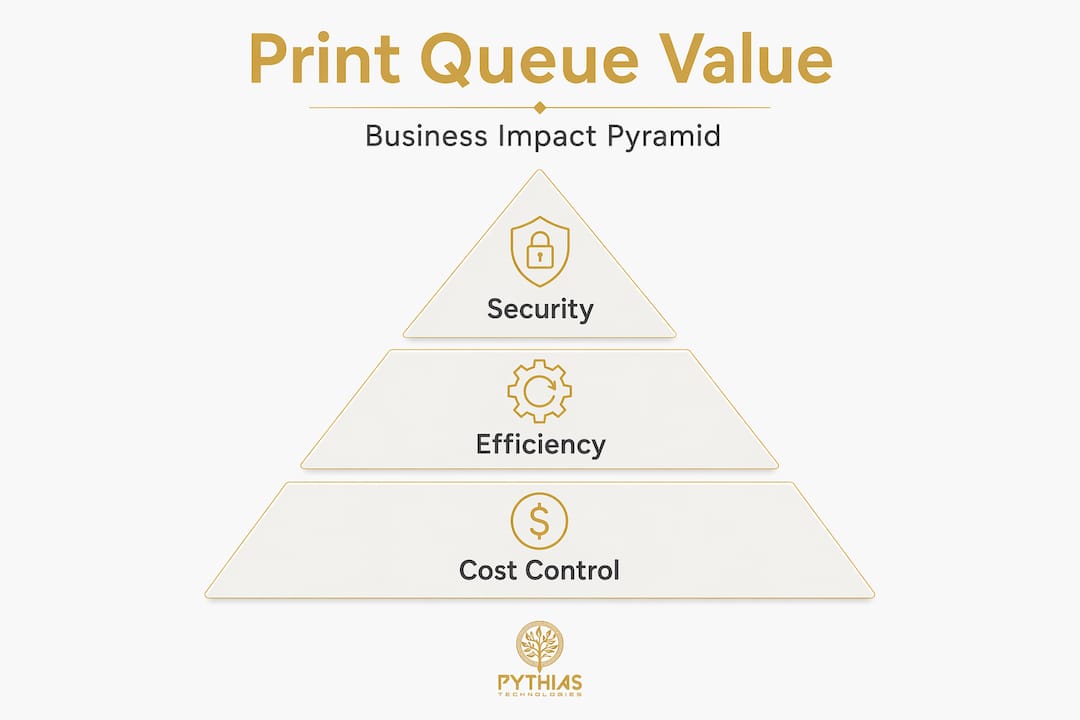
Print waste is measurable and the numbers are significant. Secure print release features can reduce printing costs by about 15% by eliminating unclaimed print jobs alone. For a mid-size operation running 50,000 pages per month, that is 7,500 pages of paper, toner, and machine wear recovered every month.
Queue management software enables cost control through several mechanisms:
- Policy enforcement. The queue can enforce duplex printing by default, force grayscale for non-color-critical jobs, and restrict high-cost media types to authorized users. These rules apply automatically without relying on individual behavior.
- Usage tracking by user and department. When the queue tracks every job to its sender, cost allocation becomes precise. Chargebacks, budget controls, and usage reports all depend on this data.
- Automated cleanup of retained jobs. Leaving printed documents in the queue can bloat disk space and create privacy risks. Automated purge scripts clear completed and abandoned jobs on a schedule, keeping the system clean and secure.
- Reduction in consumables spend. When wasteful jobs stop reaching the printer, toner cartridge and paper consumption drop proportionally.
The sustainability angle is worth taking seriously. Many enterprise sustainability reports now include print footprint metrics. Queue management platforms generate the data needed to track paper and toner consumption over time, identify waste trends, and demonstrate progress against environmental targets. For businesses with ESG reporting requirements, this is not optional.
Security and compliance in print queue management
Print queues are an overlooked attack vector. Open or poorly managed print queues allow unauthorized access to sensitive printed information. In shared environments, a job sent to the wrong device or retrieved by the wrong person creates a compliance event, not just an inconvenience.
Treat your print queue with the same access controls you apply to file servers. Both hold sensitive data. Only one is routinely left unprotected.
The risks are specific. Unmanaged queues in Windows environments have known vulnerabilities. The Windows Print Spooler service, when misconfigured or running on machines that do not print, creates unnecessary exposure. Disabling the spooler on non-printing machines and clearing corrupted spool files are standard hardening steps.
For businesses subject to HIPAA or GDPR, the compliance implications of unsecured print queues are direct. Patient records, financial documents, and personally identifiable information passing through an unmanaged queue without authentication controls fail basic compliance requirements.
Best practices for print queue security management:
- Require user authentication before any job releases to physical output.
- Set automated purge schedules to clear jobs older than a defined threshold.
- Restrict queue administration rights to IT staff only.
- Audit queue access logs regularly and flag anomalies.
Pro Tip: During security audits, include print queue access logs alongside network and file access logs. Auditors reviewing data handling controls increasingly check print activity records.
PaperCut centralizes print queue control with secure print release, user authentication, and workflow efficiency improvements. This approach is the baseline for any business handling documents that carry regulatory sensitivity.
Advanced technologies in print queue management
The difference between basic queue management and modern print queue optimization is the intelligence layer. Here is how key approaches compare:
| Approach | Core capability | Best for |
|---|---|---|
| Traditional print server | Routes jobs to assigned printers | Small offices with fixed device assignments |
| Centralized queue management | Policy enforcement, reporting, user tracking | Mid-to-large businesses with multiple devices |
| Virtual / Find-Me printing | Job held globally, released at any device | Multi-floor or multi-site operations |
| AI-driven workflow automation | Predictive routing, schedule optimization, anomaly detection | High-volume production and print service providers |
| Cloud-integrated queue management | Remote management, scalable infrastructure, real-time monitoring | Distributed teams and cloud-first IT environments |
AI-driven print queue optimization is not a future concept. It is in active deployment at production print facilities today. Machine learning models analyze historical job data to predict device failures before they occur, adjust routing proactively, and flag jobs that will miss scheduled completion times. This is the operational case for treating print queue management as a technology investment rather than a maintenance task.
Cloud integration extends queue management to remote and distributed environments. Print jobs submit from any location, policies apply consistently regardless of where the user is working, and administrators monitor the entire fleet from a single dashboard. For print service providers managing fulfillment across multiple production sites, this visibility is operationally critical.
Learning how to manage print queues at this level means selecting software that integrates with your existing production management platform, not running queue management as an isolated system.
My take on print queue management in real operations
I’ve spent years working with print service providers and business print operations, and the pattern I see most often is this: organizations invest heavily in print hardware and then underinvest in managing what happens before a job reaches the printer.
In my experience, the businesses that get the most from their equipment are the ones that treat the queue as the control point for the entire operation. Every cost, every delay, every security incident I’ve seen trace back to something that happened or failed to happen at the queue level. A rushed job that skipped prioritization. An uncollected document left in an output tray for three hours. A spooler running on a machine nobody checked.
What I’ve found actually works is implementing centralized queue management before you feel the pain of not having it. The businesses that wait until they have a bottleneck problem or a compliance incident to act always spend more fixing the situation than they would have spent preventing it.
The myth I hear most often is that queue management is only relevant at scale. That is wrong. A 10-person print shop running DTF and embroidery orders needs the same job prioritization and cost tracking discipline as a 200-machine commercial printer. The jobs are smaller. The consequences of poor management are proportionally the same.
Balancing security with usability is the real challenge. Requiring authentication at the device adds friction. The answer is choosing authentication methods that match your team’s workflow, whether that is a badge tap, a short PIN, or a mobile release. The friction is minimal. The protection is significant.
— Michael
How Pythiastechnologies supports efficient print queue management
Pythiastechnologies is built for print service providers and production-focused businesses that need more than basic queue visibility. The platform connects print-on-demand automation with production queue management, design and product management, inventory tracking, and marketplace integration in a single system.
With Pythiastechnologies, you get:
- Production queue management with real-time job tracking and automated routing
- Batch processing controls to manage high-volume order flows without manual sorting
- Inventory and SKU integration so queue decisions account for materials availability
- Marketplace order sync feeding directly into the production queue without manual entry
- Reporting and alerts tied to queue performance, fulfillment rates, and device utilization
Explore the full platform features or book a demo to see how automated queue management integrates with your production workflow.
FAQ
What is the role of print queue management?
Print queue management controls how print jobs are received, ordered, routed, and released across printing devices. It directly affects production efficiency, cost control, data security, and regulatory compliance in business environments.
How does print queue management reduce printing costs?
Secure print release eliminates uncollected jobs, and policy enforcement applies duplex and grayscale defaults automatically. Together, these measures can reduce printing costs by approximately 15%.
Why are print queues a security risk?
Unmanaged print queues allow unauthorized users to access sensitive documents and create compliance exposures under regulations like HIPAA and GDPR. Authentication controls and automated job purges address these risks directly.
What is Find-Me printing and how does it help?
Find-Me printing sends jobs to a single global queue rather than a specific device. Users release their job at any compatible printer, which reduces downtime, eliminates printer-specific bottlenecks, and cuts IT helpdesk tickets from device failures.
When should a business invest in advanced print queue management software?
Any business running multiple print devices, managing sensitive documents, or fulfilling orders under time constraints benefits from dedicated queue management software. Waiting until a bottleneck or compliance issue forces the decision increases both cost and risk.