

Print file management is the practice of organizing, securing, and automating how print-ready files are stored, accessed, and processed throughout a production workflow. For print-on-demand (POD) businesses and garment printers, this discipline directly controls output quality, turnaround speed, and cost per order. Without a structured system, even a well-equipped shop running Brother GTX printers or DTF equipment will lose time, money, and orders to preventable file errors. The role of print file management extends beyond simple folder organization. It connects prepress validation, version control, and production queue management into a single operational framework.
What are the main challenges print businesses face without proper file management?
Poor file management creates compounding problems across every stage of production. The most visible cost is time. Employees waste about 20% of their work hours searching for documents, and in a high-volume POD shop, that translates directly to delayed orders and missed SLA windows. That single statistic explains why structured file systems can save businesses meaningfully in reduced manual processing costs.
Version confusion is the second major drain. When a designer saves “shirt_design_v3_FINAL_FINAL.psd” alongside three earlier iterations in the same folder, production staff pull the wrong file. The result is a misprint, a reprint, and a refund. Inconsistent naming conventions and duplicate files are not minor inconveniences. They are margin killers in short-run and personalized print operations.
Prepress friction compounds both problems. Without automation, manual file verification creates bottlenecks that cause errors and lost profitability in short-run print orders. A single order with incorrect bleed settings, wrong color profiles, or low-resolution artwork can stall an entire production queue while staff manually diagnose and fix the file.
The operational impact breaks down into four specific failure points:
- Lost retrieval time: Staff search across shared drives, email threads, and local desktops for the same file.
- Version errors: Outdated artwork reaches the print queue because no version control system exists.
- Storage bloat: Duplicate files and unarchived seasonal assets inflate storage costs and slow search performance.
- Compliance gaps: Without access controls or audit trails, sensitive client files are exposed to unauthorized changes.
Each of these issues increases cost per order and reduces the shop’s capacity to scale.
How does effective print file management drive cost savings?
The financial case for structured file management is direct. Comprehensive print management solutions reduce printing costs within the first year of implementation. That figure reflects reduced waste, fewer reprints, and lower supply consumption when files are validated before they reach the printer.
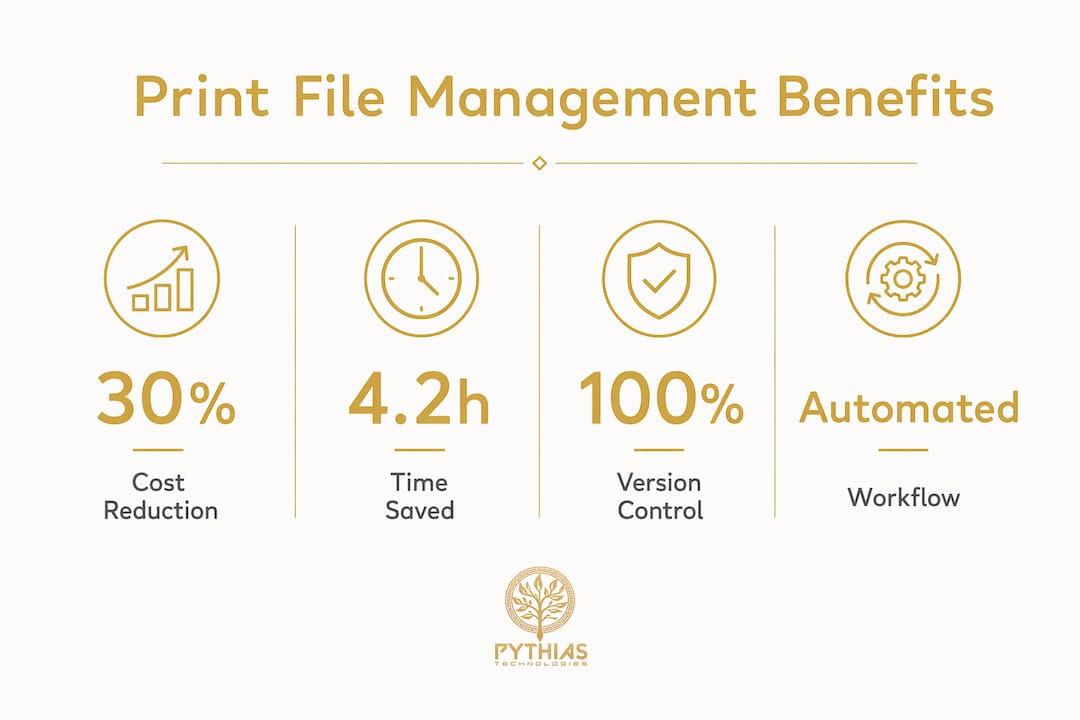
Time savings are equally measurable. Designers using quarterly file organization save an average of several hours per week on file retrieval, and hierarchical folder structures reduce search time significantly. For a three-person design team, that is meaningful recovered production capacity every week.
The workflow improvements follow a clear sequence:
- Pre-flight automation catches resolution, bleed, and color profile errors before a file enters the print queue, eliminating manual correction cycles.
- Imposition automation arranges multiple jobs on a single sheet without manual layout work, cutting material waste per run.
- Controlled access restricts who can modify approved files, reducing accidental overwrites and unauthorized edits.
- Audit trails log every file action, giving production managers a clear record for client disputes or quality reviews.
| Benefit | Measurable Impact |
|---|---|
| Cost reduction | Lower printing and supply costs within year one |
| Time savings | several hours per week recovered per designer through structured organization |
| Error reduction | Pre-flight automation eliminates manual correction cycles |
| Security | Controlled access and audit trails protect client files |
Pro Tip: Set up a pre-flight check as a mandatory gate in your production queue. No file moves to print without passing resolution, bleed, and color profile validation. This single rule eliminates the majority of reprint costs.
Centralized print management software also monitors usage and performance across devices, which gives shop owners data to identify which printers consume the most supplies and where jobs are queuing unnecessarily.
File management systems vs. document management systems
Understanding the right tool for your operation starts with a clear distinction. File management systems (FMS) focus on storage, naming, and retrieval of files, while document management systems (DMS) govern the full document lifecycle including workflows, approvals, and compliance tracking. For most POD shops, an FMS with metadata tagging is the practical starting point. A DMS becomes relevant when client approval workflows, contract storage, or regulatory compliance enters the picture.
Key features to evaluate in any system
The features that matter most for print and garment businesses are metadata tagging, version control, role-based access, and workflow integration. Metadata tagging allows staff to search by client name, SKU, print method (DTG, DTF, embroidery), or job status rather than navigating folder trees. Version control ensures only approved artwork reaches production. Role-based access prevents junior staff from overwriting finalized files.
On-premises vs. cloud-hosted solutions
On-premises systems give shops full control over storage and security, but require IT maintenance and hardware investment. Cloud-hosted solutions reduce infrastructure costs and allow remote access, which matters for shops managing multiple production sites or remote design teams. The right choice depends on order volume, team size, and existing IT infrastructure.
Web-to-print platforms occupy a distinct category. They unify the customer-facing design interface with backend production systems, automatically generating print-ready files from customer inputs. Smart browser-based imposition and hot-folder integration shift shops from reactive to proactive production by removing the manual handoff between design approval and print queue entry.
Best practices for managing print files in print-on-demand
Efficient print file handling requires consistent habits across the entire team, not just the design department. These practices apply directly to POD operations running high SKU counts and personalized orders.
- Adopt a hierarchical folder structure. Organize by client, then project, then asset type (final files, source assets, proofs, documentation). This structure reduces search time and makes onboarding new staff faster.
- Standardize file naming conventions. Include the client code, project name, version number, and status tag in every file name. A format like “ClientCode_ProjectName_v2_APPROVED.pdf” removes ambiguity at every stage.
- Schedule quarterly maintenance. Implementing a quarterly maintenance schedule saves much of the cleanup work compared to annual-only reviews. Post-holiday periods are the highest-risk accumulation points for duplicate and outdated files.
- Use a quarantine deletion folder. Move files flagged for deletion into a quarantine folder with a 30-day retention period before permanent removal. This prevents accidental loss of files that turn out to be needed.
- Integrate project management software. Tools that trigger archiving workflows when a job status changes to “completed” remove the manual step of moving files post-production.
- Conduct regular file audits. Assign one team member per quarter to review the folder structure, flag duplicates, and confirm that naming conventions are being followed consistently.
Pro Tip: Build your folder structure template before you need it. Create a master folder template with all standard subfolders and duplicate it for each new client or project. This takes two minutes upfront and saves hours of reorganization later.
Organizing print files with structured folder hierarchies that include categories for final files, source assets, proofs, and documentation is the single most effective print file organization tip for reducing confusion in high-volume shops.
How can POD businesses integrate file management with workflow automation?
Manual file handling becomes a production ceiling in high-volume personalized print runs. When every DTG or embroidery order requires a staff member to locate, verify, and manually route a file, throughput is limited by human speed. Automation removes that ceiling.
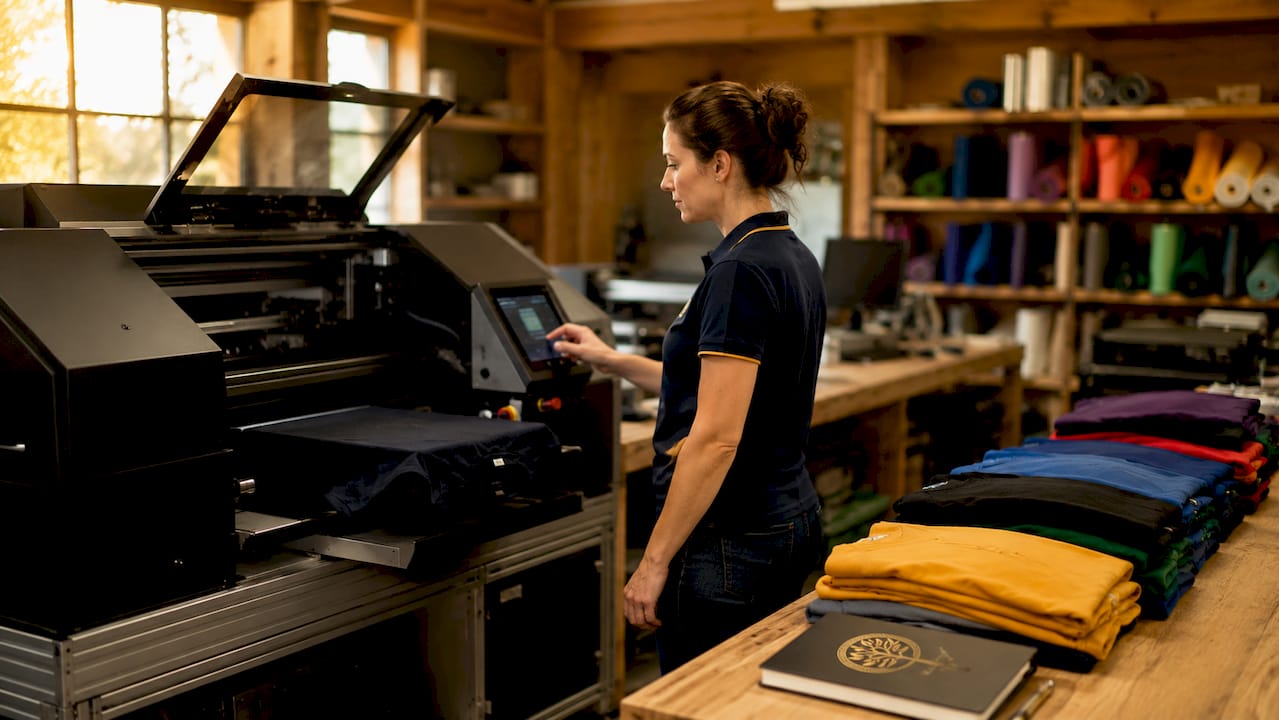
The biggest bottleneck in most print shops is not mechanical. Prepress friction from poor file formatting causes more lost profitability than equipment downtime. Fixing this requires connecting the frontend design validation layer directly to the backend production queue.
Key integration points for a fully automated file-to-print workflow include:
- Live print-safe warnings in the customer-facing design tool that flag resolution, color, and bleed issues before order submission.
- Automated file routing that sends approved files directly to the correct print queue based on job type (DTG, DTF, embroidery, sublimation).
- Hot-folder integration that monitors a designated folder and automatically processes new files through pre-flight and imposition without staff intervention.
- Real-time queue visibility that shows production managers which jobs are in pre-flight, queued, printing, or completed status.
“Automation that integrates frontend design validation with backend imposition collapses manual prepress workload from hours to minutes.” — Bottlenecks in a digital print shop
Workflow automation tools for SMBs confirm that the highest-ROI automation targets are the repetitive, rule-based handoffs between systems. In print production, the file-to-queue handoff is exactly that type of task. Automating it reduces labor costs, cuts downtime, and increases throughput without adding headcount.
Key takeaways
Structured print file management is the operational foundation that connects design validation, production efficiency, and cost control in any POD or garment printing business.
| Point | Details |
|---|---|
| Cost impact is measurable | Structured systems reduce printing costs within the first year. |
| Time savings are significant | Quarterly file organization recovers several hours per week per designer through faster retrieval. |
| FMS vs. DMS distinction matters | Choose based on whether you need storage and retrieval only, or full lifecycle and compliance management. |
| Naming conventions prevent errors | Standardized file names with version and status tags eliminate the most common cause of misprints. |
| Automation multiplies the gains | Connecting file management to hot-folder and pre-flight automation removes the manual prepress ceiling on throughput. |
Why file management is still the most underrated lever in print shops
Most shop owners I speak with have invested in equipment. They have Brother GTX printers, quality DTF setups, and solid marketplace integrations. What they have not invested in is the file layer that sits between the customer’s order and the printer’s output. That gap is where most of their operational problems live.
The common misconception is that file management is an IT concern, something to sort out when the business gets bigger. The reality is the opposite. The earlier you build a structured system, the less technical debt you accumulate. Shops that wait until they are processing 500 orders a day to address file organization face a much harder cleanup than shops that built the structure at 50 orders a day.
The other mistake I see consistently is treating pre-flight as optional. Shops that run browser-based pre-flight checks on every submitted file before it enters the queue report dramatically fewer reprints. The upfront investment in setting up that validation layer pays back within weeks, not months.
My advice: start with naming conventions and folder structure this week. Then add a quarterly maintenance schedule. Then look at hot-folder automation and pre-flight integration. Each step compounds the previous one. You do not need to automate everything at once. You need to build the foundation correctly so that automation has something solid to connect to. Shops that skip the foundation and jump straight to automation tools end up automating their existing chaos, which makes the chaos faster but no less costly.
— Michael
Take your print workflow further with Pythias Technologies

If file management is the foundation, Pythias Technologies is the system built on top of it. The Pythias Technologies print-on-demand automation platform connects order intake, production queue management, inventory tracking, and marketplace integrations with Amazon, Etsy, and Shopify into a single operational hub. Automated label generation, real-time inventory alerts, and direct integration with Brother GTX printers reduce manual touchpoints at every stage. Pythias helps shops automate production and fulfillment so they can grow revenue and ship faster. Explore the production queue features to see how file-to-print automation works in practice.
FAQ
What is the role of print file management in a POD business?
Print file management organizes, secures, and automates how print-ready files are stored, accessed, and routed through production. It directly controls output quality, reprint rates, and order turnaround speed.
How much time can structured file organization save?
Designers using hierarchical folder structures and quarterly maintenance save an average of several hours per week on file retrieval, with search time reduced significantly compared to unstructured systems.
What is the difference between an FMS and a DMS for print shops?
A file management system handles storage, naming, and retrieval. A document management system governs the full document lifecycle including approvals, audit trails, and compliance workflows. Most POD shops start with an FMS and add DMS features as they scale.
How does automation connect to print file management?
Hot-folder integration and browser-based pre-flight tools automatically validate and route files from approval to the print queue without manual intervention, collapsing prepress workload from hours to minutes.
What is the most common print file management mistake?
Skipping consistent naming conventions is the most common error. Without version and status tags in file names, production staff pull outdated artwork, leading to misprints, reprints, and refunds that erode margins on every affected order.
Recommended
- The Role of Print Queue Management for Businesses | Pythias Technologies | Pythias Technologies
- Print on Demand Products: Top 10 for Entrepreneurs | Pythias Technologies | Pythias Technologies
- DTG Printing Order Management for Print Shops in 2026 | Pythias Technologies | Pythias Technologies
- Why Real-Time Job Status Matters for Print on Demand | Pythias Technologies